
My showcase: your company page
Create your profile, publish a page with its own address and QR code, receive quote requests and see who views you.
My showcase is your company's page: a profile for the SangoBids network and, if you want, a public page with its own address and QR code. A buyer without an account can find you there and ask for a quote.
Create your profile
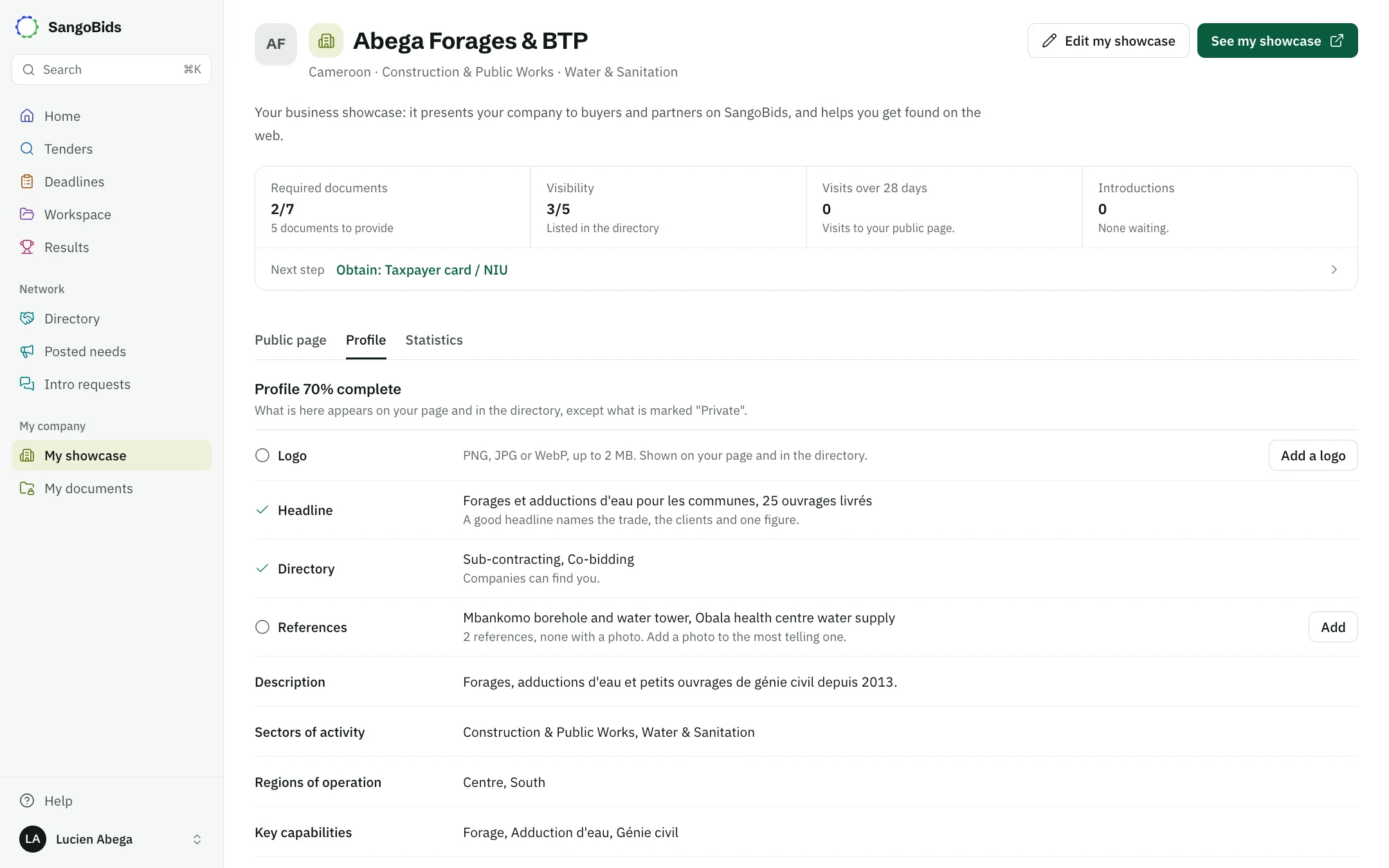
Open My showcase (the Company tab on a phone). Enter the name, a description, your sectors and regions, then tap Create my profile. Photograph my register fills these in from your trade register: check them afterwards.
Edit my showcase, at the top of the page, opens the Profile tab to complete the rest:
- What we offer: tick at least one box to appear in the directory.
- Headline: your trade, your clients and a proof with a number.
- References: name, client, year and photo. The amount stays private.
Computer
Publish your page
See it first
At the top of the page, Preview my showcase opens the page as visitors will see it, without publishing it.
Tap Publish my showcase
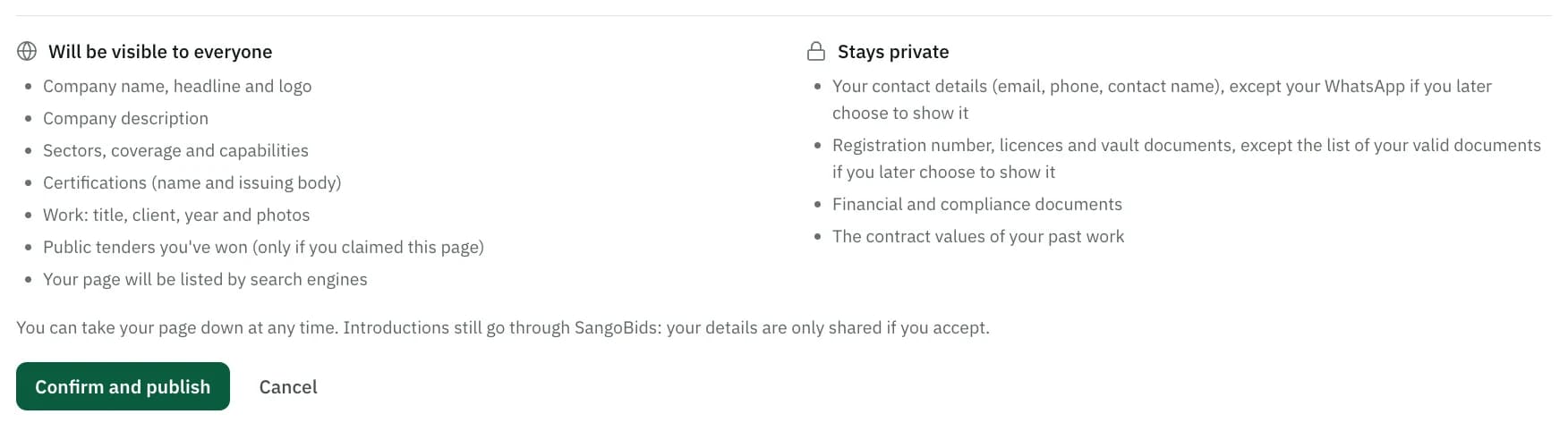
The screen lists what will be public and what stays private: contact details, trade register number, documents, amounts.
Tap Confirm and publish
The page is live, and search engines can index it.
Computer
Share it
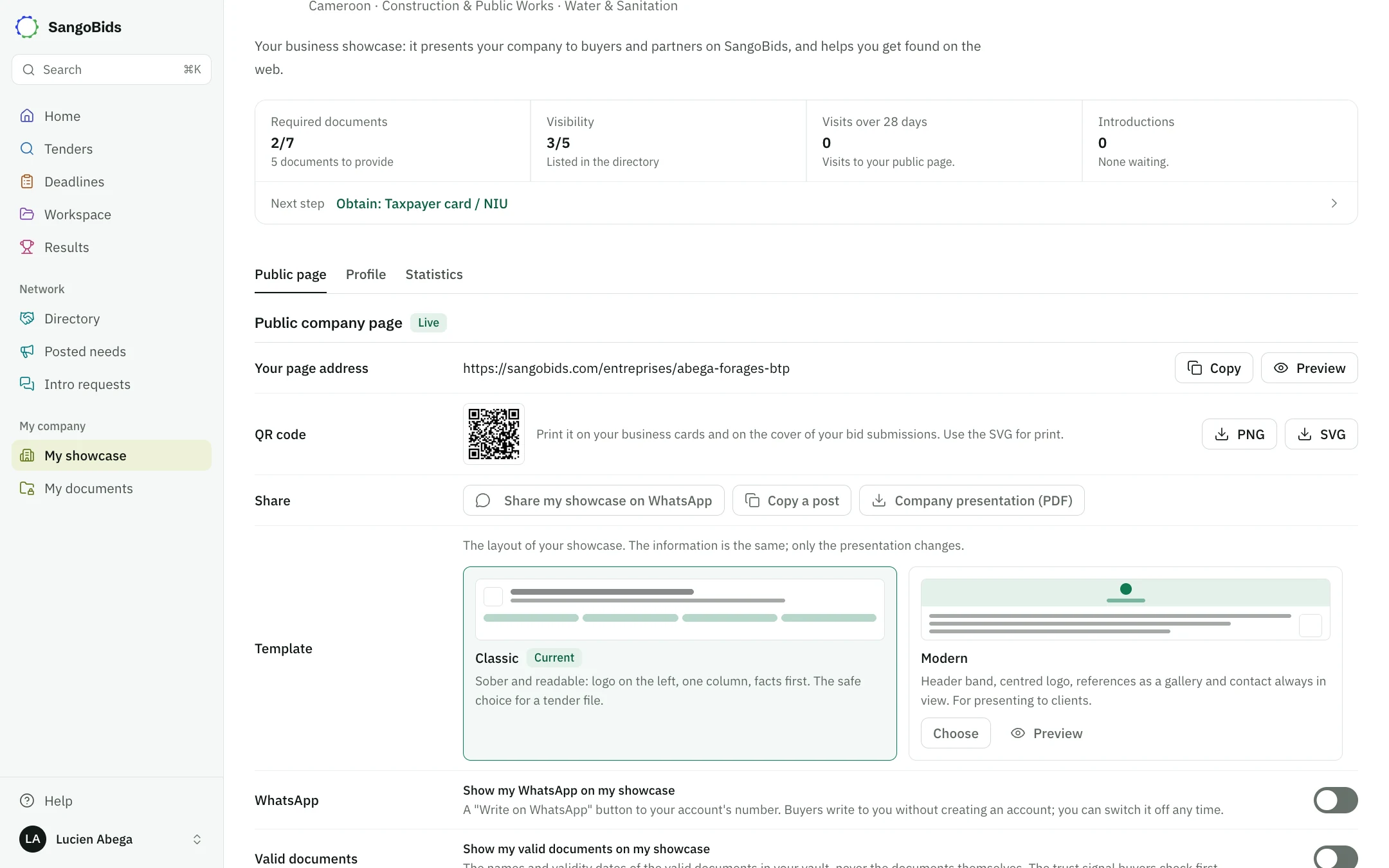
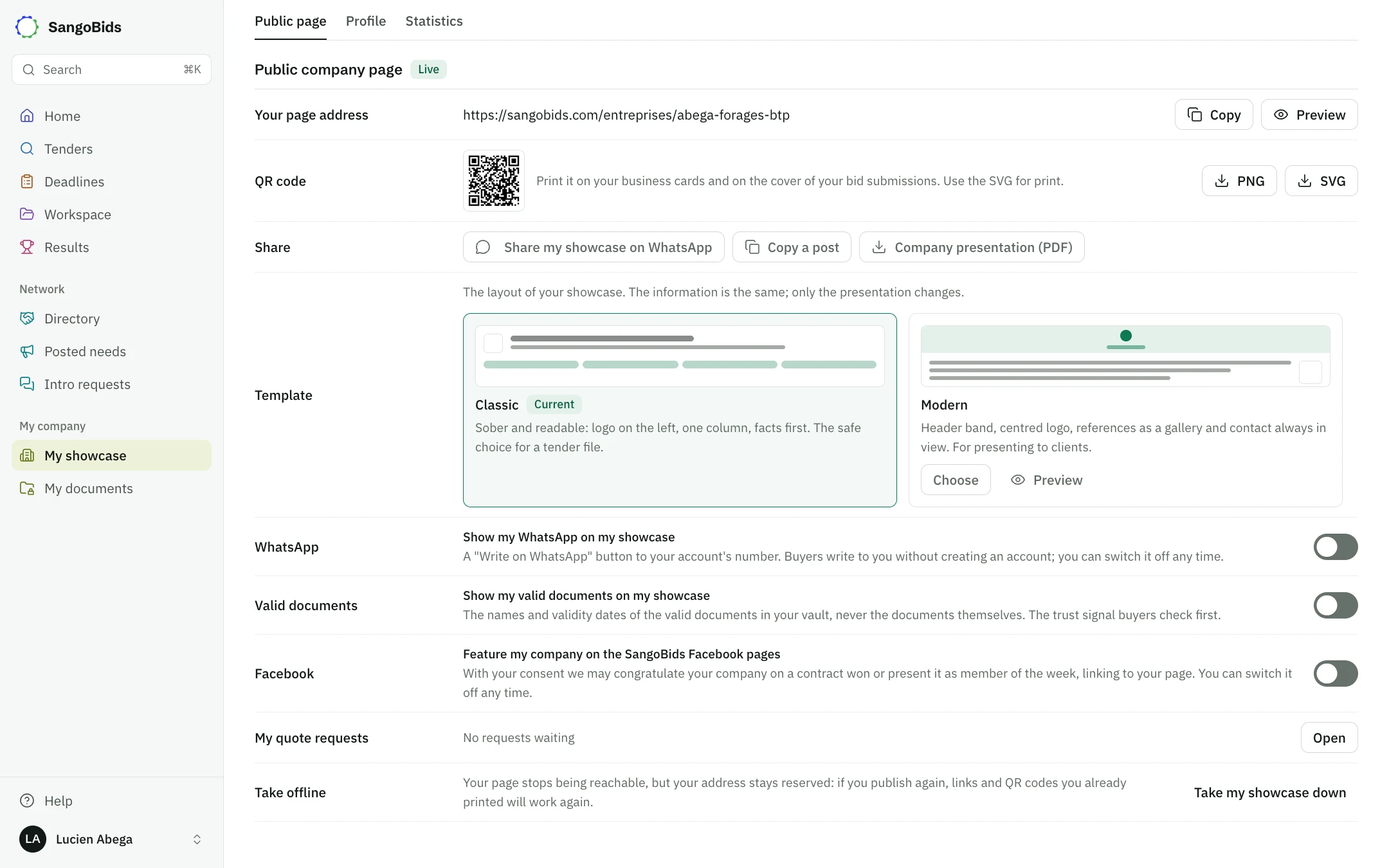
The showcase gives its address (Copy) and QR code (SVG for printing). Send it on WhatsApp, Copy a post for LinkedIn or Facebook, or download the Company presentation (PDF).
Computer
Choose the template and what it shows
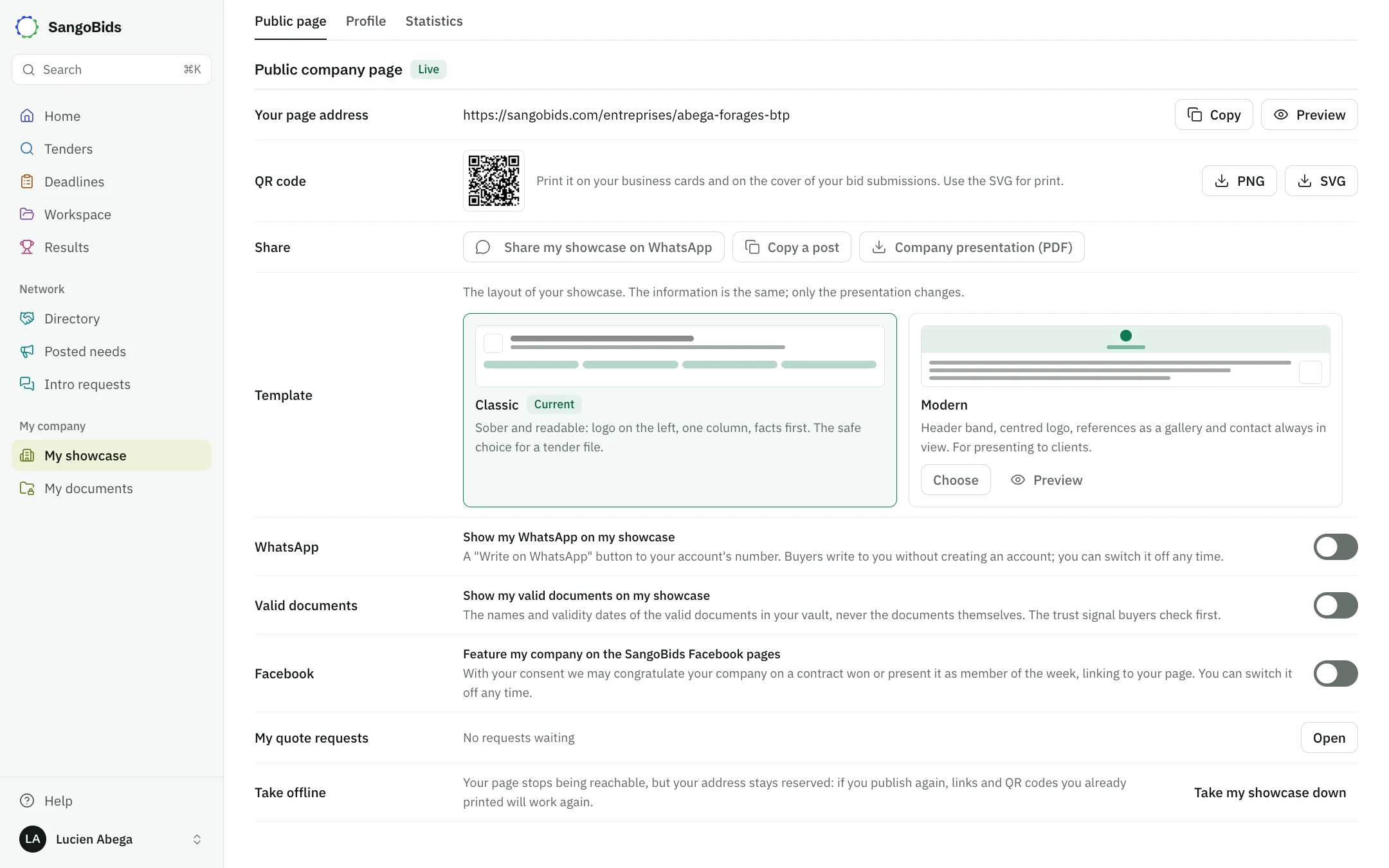
Two free templates: Classic and Modern. Only the presentation changes.
Computer
Three settings are optional and can be turned off at any time:
- Show my WhatsApp on my showcase (your account needs a phone number).
- Show my valid documents on my showcase: titles and dates, never the files.
- Feature my company on the SangoBids Facebook pages.
Computer
Answer quote requests
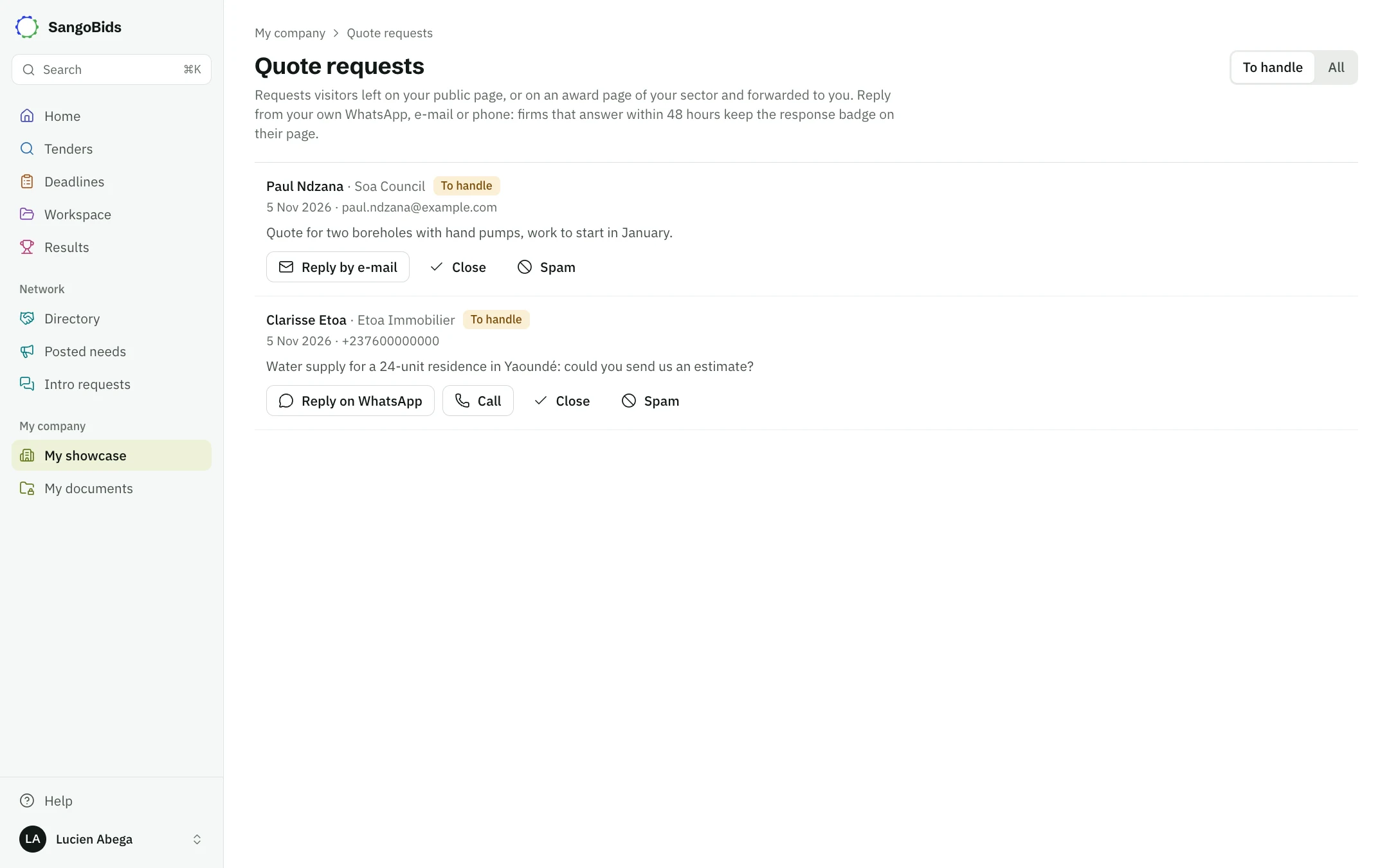
Requests left on your page arrive in My quote requests: Reply on WhatsApp, Reply by e-mail or Call, then Close or Spam. Answering within 48 hours keeps the response badge on your page.
Computer
See who views you
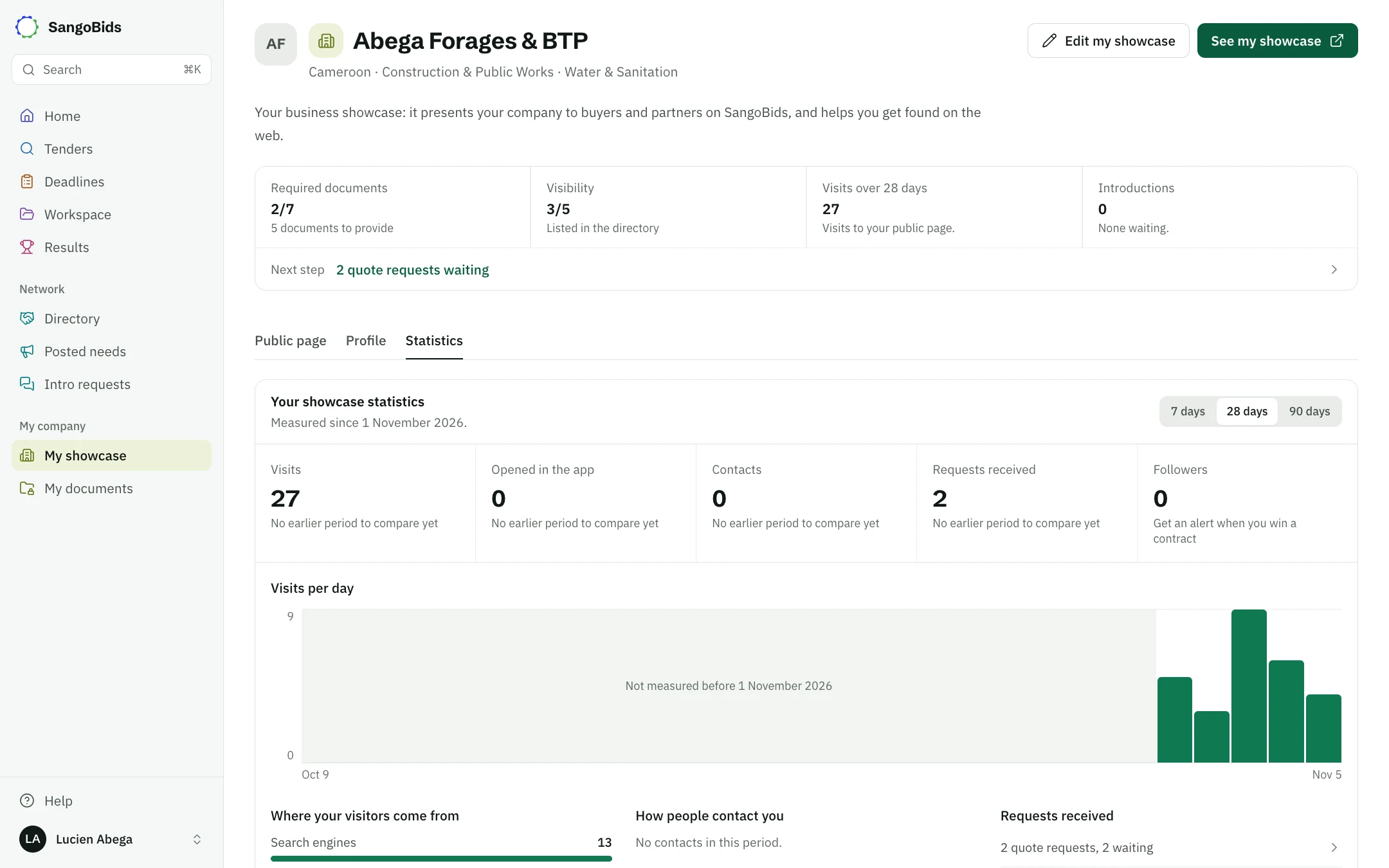
The Statistics tab shows visits, where they come from, contacts and requests over 7, 28 or 90 days, since 1 November 2026. Visitors stay anonymous.
Computer
Claim your history
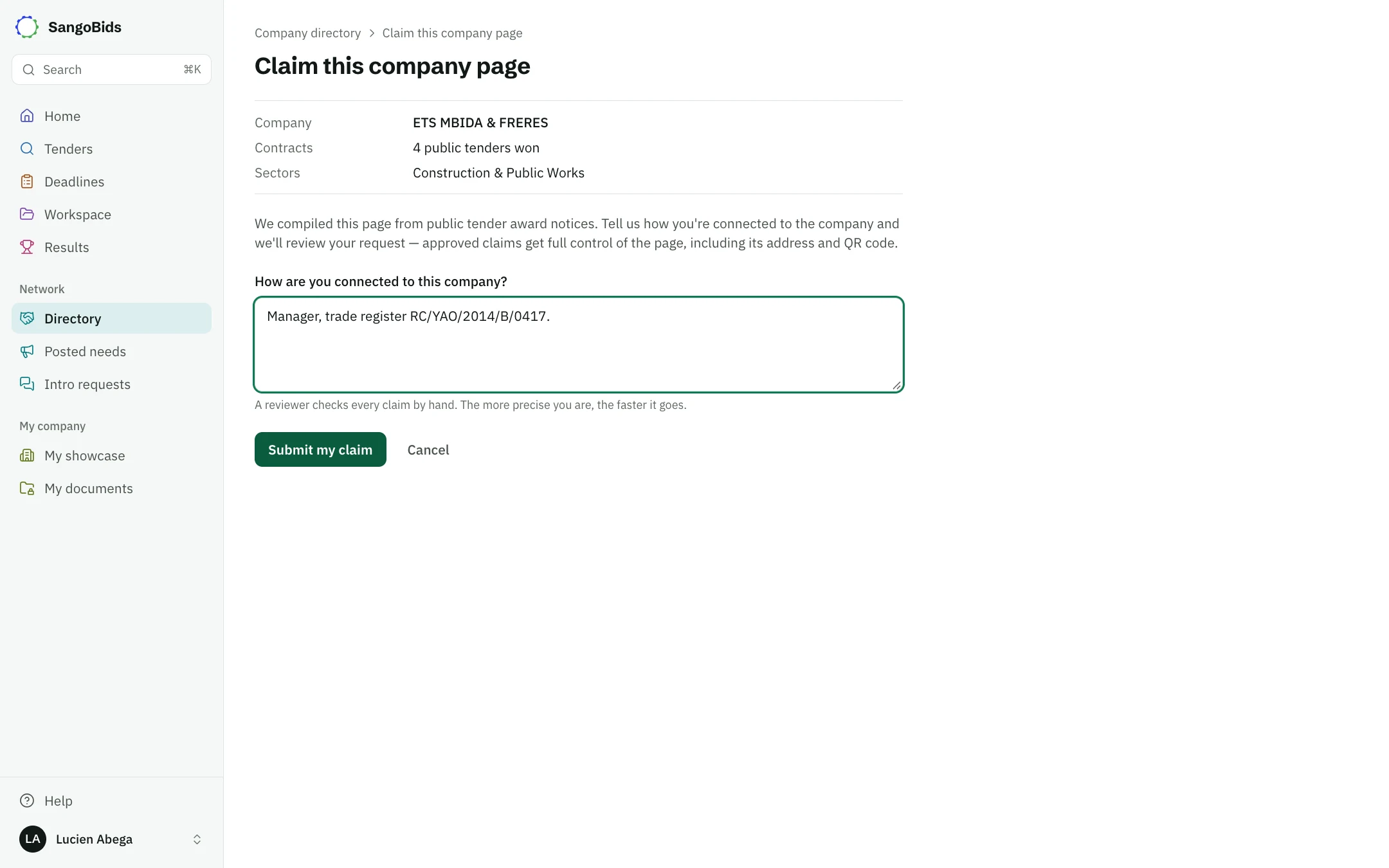
A page may already exist under your name, built from award notices. Claim this page (or Claim this history in My showcase) attaches those contracts to your showcase. Say how you are connected to the company: the team checks within 48 hours and replies by e-mail.
Computer
What the showcase does not do
It does not give you a badge: the Verified badge is no longer issued, and companies that earned it keep it until the date shown. To show an up-to-date file, keep My documents current and display your documents.
Take my showcase down puts it offline; the address stays reserved if you publish again.
Next
See Find a partner and Posted needs.
Read next
- Find a partnerSub-contractor, supplier or joint-bid partner: where to find them on a given tender, how to request an introduction, and how to be found.
- My documents: the administrative fileThe documents your country requires, in one place: added once, dated automatically, recalled before expiry, and compared with every tender.
Ready to try?
The account is free and public tenders stay free. Three minutes is enough to receive the first ones.
Get started free